Read_csv Is Not Returning A Dataframe Python Pandas
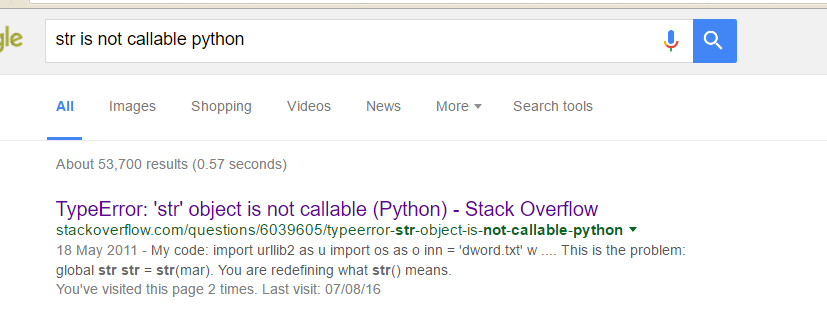
str is not callable python

I was working with a CSV file on a project and after reading the CSV into the Program with the pandas.read_csv function the returned data type seemed not be a Dataframe for some reason

code was as follows:

sample = pd.read_csv(‘sample.csv’)

When i tried to run some functions on the supposed ‘returned dataframe object -sample’ I get an error which states- TypeError: ‘str’ object is not callable

Fix: It appeared to be an update issue so , I ran an update on my Anaconda package using conda update anaconda  and that fixed the issue.


Hope it helps someone!

Want more information like this?

Similar Posts

  • Aggregation – Pandas Numpy Python Series DataFrame

      In this quick notes, we will go through aggregation in Python. This is part of lectures on Learning Python for Data Analysis and Visualization by Jose Portilla on Udemy.

      url = “http://archive.ics.uci.edu/ml/machine-learning-databases/wine-quality/” In [2]:

      In [4]:

      Out[4]: fixed acidity volatile acidity citric acid residual sugar chlorides free sulfur dioxide total sulfur dioxide density…

  • | |

    Exploring Statistical Analysis in the Context of Correlation – Testing a Potential Moderator

    Exploring Statistical Analysis in the Context of Correlation   Chosen Dataset I will be working with Data from the Gapminder dataset. This happens to be the same dataset I worked with under the Data Management and Visualization course assignments. As elaborated and discussed in under the Data Management and Visualization course assignments, I have chosen to focus on the country,…

  • Matplotlib Pyplot Plt Python Pandas Data Visualization Plotting

      This is some quick notes about graphing or plotting graphs with Matplotlib in Python. Credits to sentdex.  You can check him out on Youtube.

      In [4]:

      In [10]:

      In [14]:

      In [20]:

      In [23]:

      In [30]:

      Out[30]:

    In [48]:

        Want more information like this?

  • |

    Superset Heroku Installation – Microsoft SQL Server Database Connection on Windows PC

     Clone this github repository into YOUR OWN repository and Edit the link in the  Readme.md file from https://www.herokucdn.com/deploy/button.svg)](https://heroku.com/deploy?template=https://github.com/dugjason/superset-on-heroku to the link in YOUR OWN CLONED repository eg. https://www.herokucdn.com/deploy/button.svg)](https://heroku.com/deploy?template=https://github.com/benadaba/hrmr Now scroll down and COMMIT (save) the changes ALSO edit the requirements.txt file and include any database requirements you want installed . eg pymssql==2.1.3, pyodbc==4.0.21 (this version was generating an…

  • |

    Rank Sort Series DataFrames in Python Pandas Numpy

      In this quick notes, we will have a look at Rank and Sort in Series and DataFrames in Python In [1]:

      In [3]:

      Out[3]:

    In [4]:

      Out[4]:

    In [5]:


    Out[5]:

    In [6]:

      Out[6]:

    In [7]:

      In [8]:

      Out[8]:

    In [10]:

     …

  • Crab Recommender System – Framework in Python Example and installation Problem Fix

      This is just to show that the import errors which were encountered during the installation of Crab, a Recommender Framework in Python  worked fine with the fixes I earlier outlined. These were the errors and how they were fixed: ImportError: No module named ‘scikits ImportError: No module named learn.base   The code below is the…

One Comment

Leave a Reply

Your email address will not be published. Required fields are marked *